

Your Bandsintown events are now on Apple Music
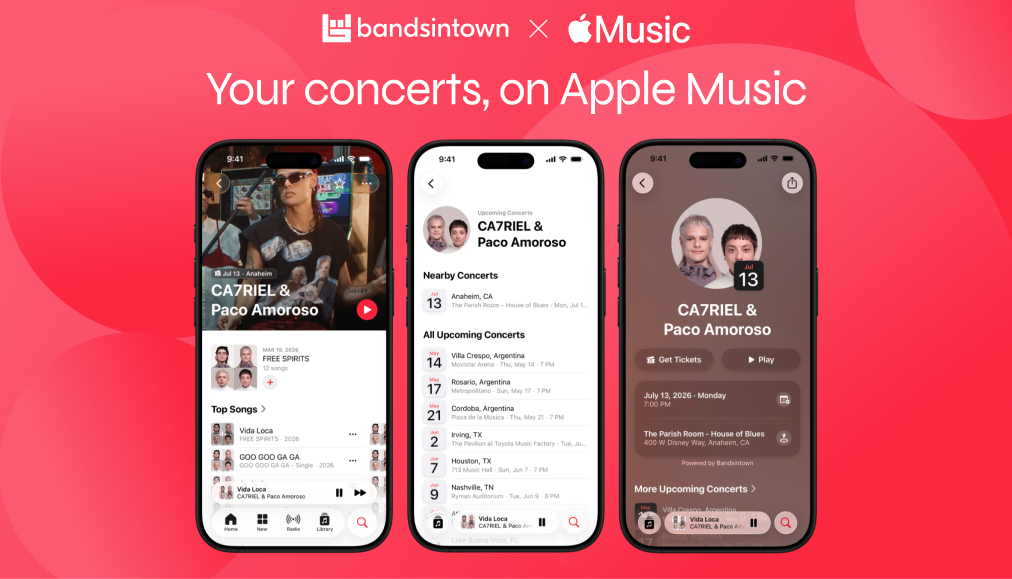
Publish your concerts on Bandsintown, and they automatically appear on Apple Music.
With the new Apple Music & Bandsintown integration, your Bandsintown events appear on your Apple Music artist page and in the new Concerts tab. Hundreds of millions of listeners use Apple Music, and now they can discover your live shows while they're already listening to your music and go straight from streaming to buying tickets.
Publish once on Bandsintown for Artists and your concert listings automatically appear on Apple Music — plus Shazam, Apple Maps, Spotlight Search, and Photos.
How fans discover your shows on Apple Music
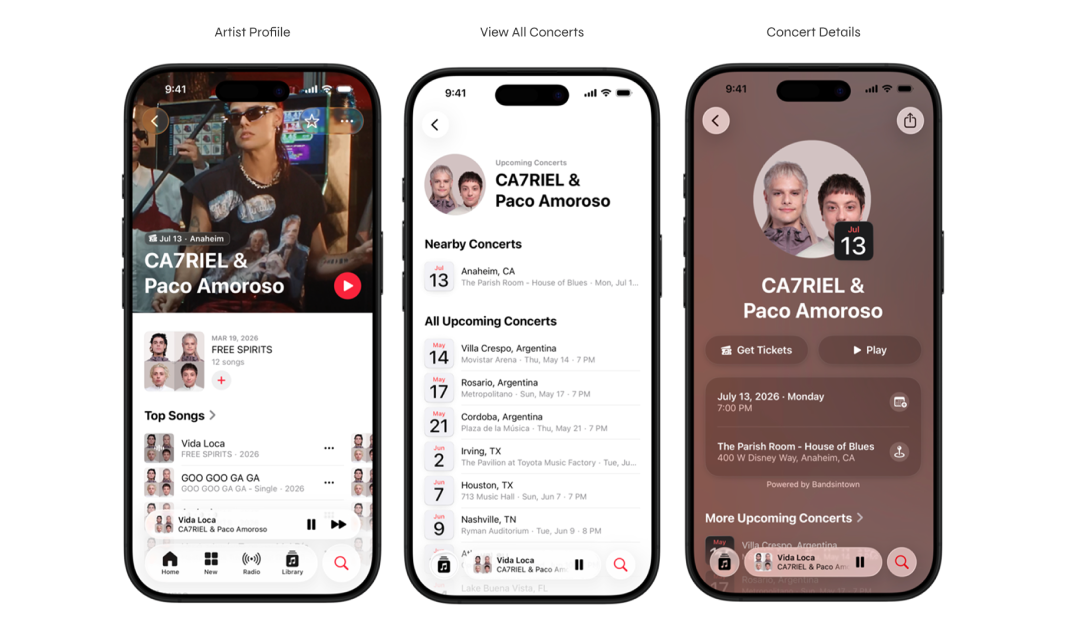
When fans visit your Apple Music artist page, they’ll see your upcoming shows listed with your music.
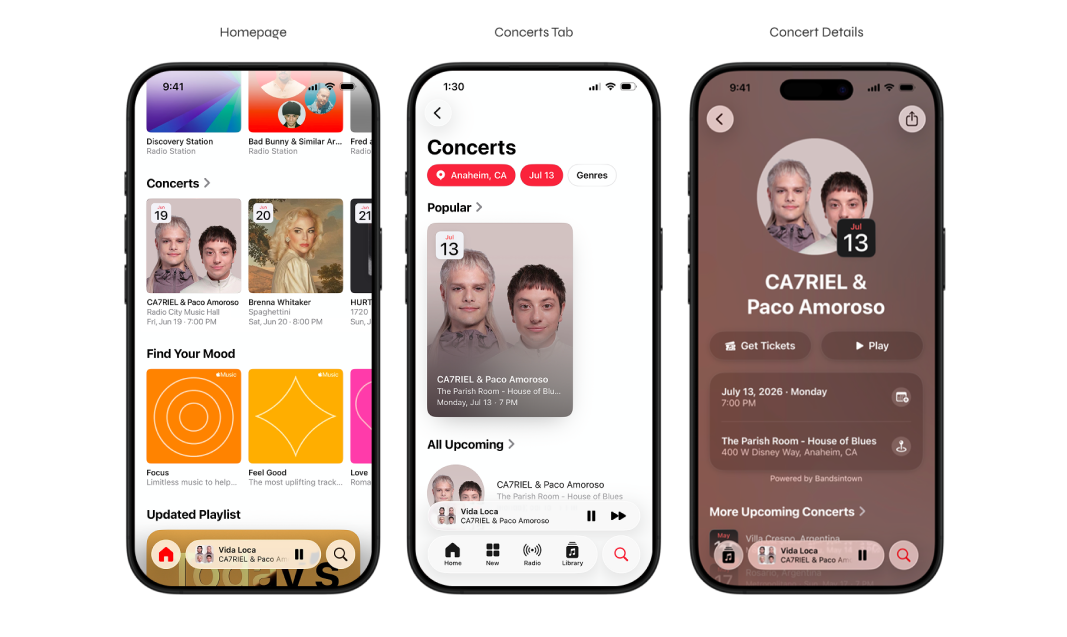
In the new Concerts tab (Search → Concerts), fans can browse shows by location, date, and genre — and tap through to venue details, set lists, and ticket links.
Connect Bandsintown & Apple Music
Log in to Bandsintown for Artists or create a free account
Go to Integrations and select Apple Music
Paste your Apple Music artist page URL and click Connect
Your shows will appear on Apple Music within 24–48 hours.
Still have questions? Read the help article.
Bandsintown powers your live presence across Apple
This integration builds on Bandsintown's existing presence across the Apple ecosystem. Once your shows are listed on Bandsintown, they automatically reach fans across Apple Music, Shazam, Apple Maps, Spotlight Search, and Photos.
See the full picture of how Bandsintown powers your presence across Apple. Learn more.